LAMP is a powerful open-source software stack used to host dynamic websites and web applications. The acronym stands for:
Linux – The operating system (Ubuntu 24.04 in our case)
Apache – The web server
MySQL – The database engine (can also be MariaDB)
PHP – The scripting language for server-side logic
Together, these tools provide a robust environment to run popular platforms like WordPress, Laravel, Joomla, or custom PHP applications.
This LAMP template from Nubius Cloud comes pre-installed with:
Ubuntu 24.04 LTS
Apache 2.4+
PHP 8.2.29 (with commonly used extensions)
MariaDB 10.11
Secure configurations and system updates
Follow these steps to order a new server with ISPmanager pre-installed:
Go to the Nubius Store
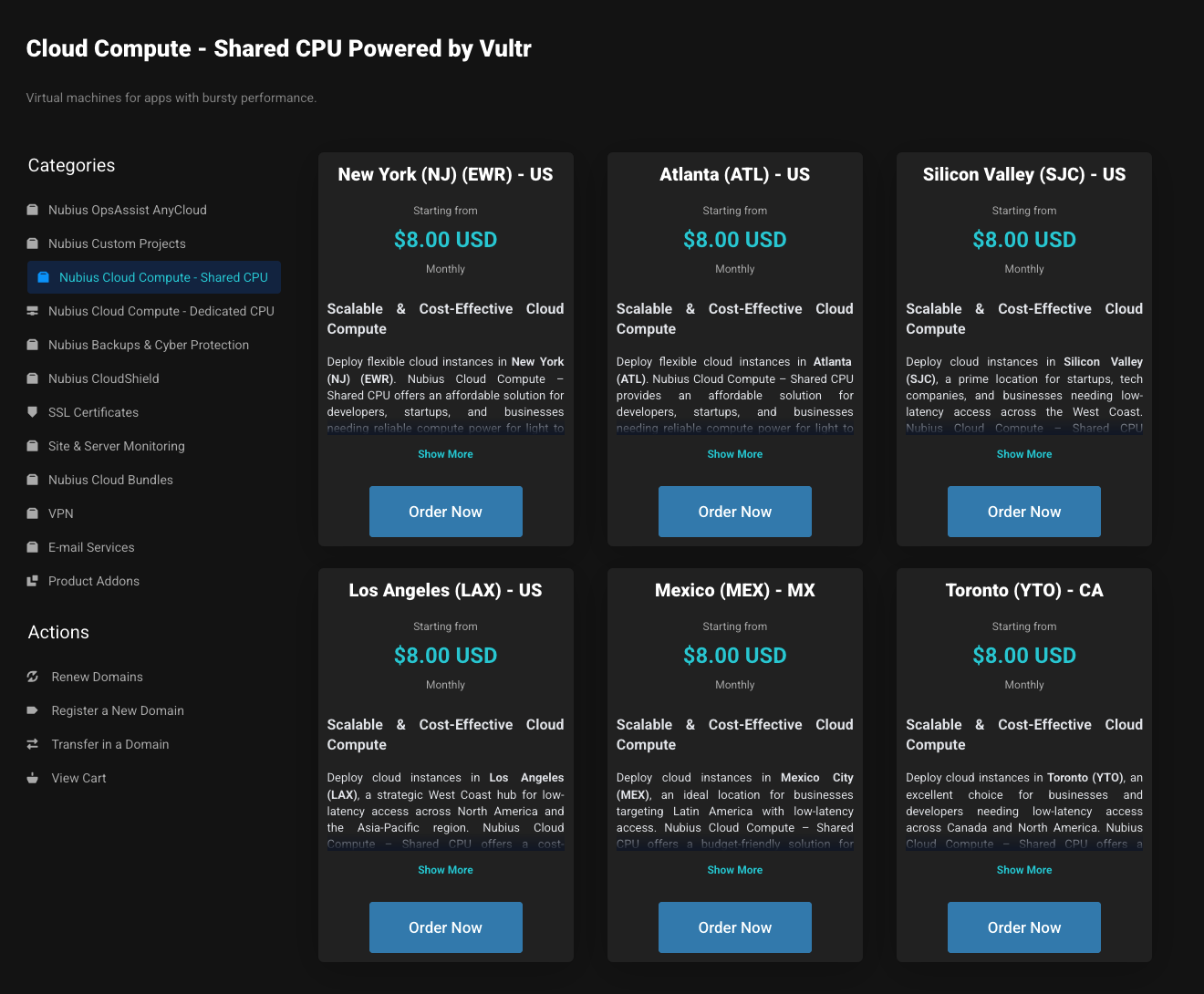
Choose Your Zone
Select the datacenter location closest to your users:
EWR (Newark), ATL (Atlanta), SJC (San Jose), LAX (Los Angeles), MEX (Mexico City) or YTO (Toronto)
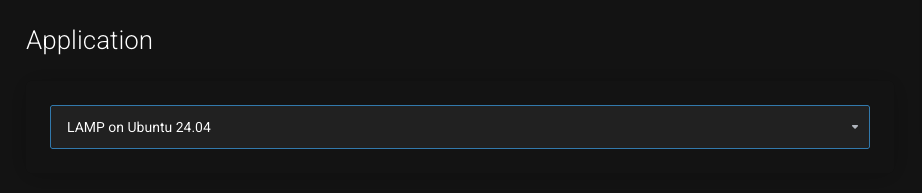
Select the Application
In the Application dropdown, choose LAMP on Ubuntu 24.04.
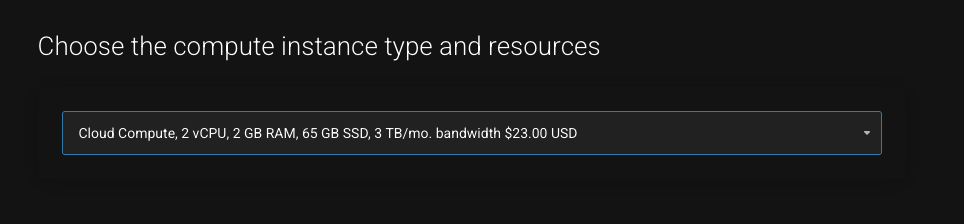
Select Instance Type & Resources
Choose a server plan with at least 2 GB RAM.
Add storage, or other resources as needed.
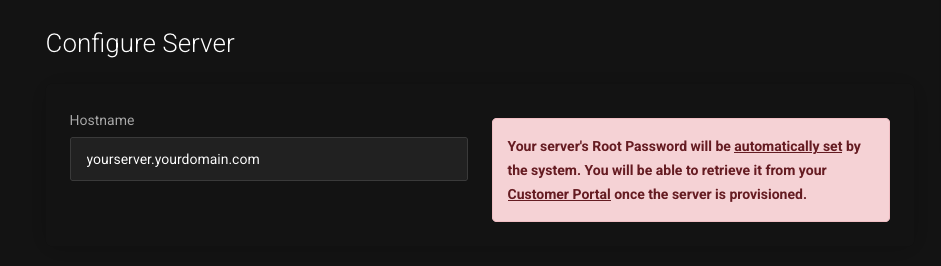
Enter the Hostname
Provide your server’s FQDN (Fully Qualified Domain Name) – this will be used as the hostname.
Complete the Order
Click Continue, select your payment method, accept the terms, and finalize the order.
Provisioning
Your server will be ready in about 10–15 minutes.
It will deploy with a clean Ubuntu 24.04 system and ISPmanager pre-installed.
You can monitor the server’s console to see when it is available.
This setup does not include a control panel. All management is done through:
SSH – for terminal/command-line access
SFTP – for uploading files securely
You can retrieve your IP and Password from your customer's portal under the Service you just got
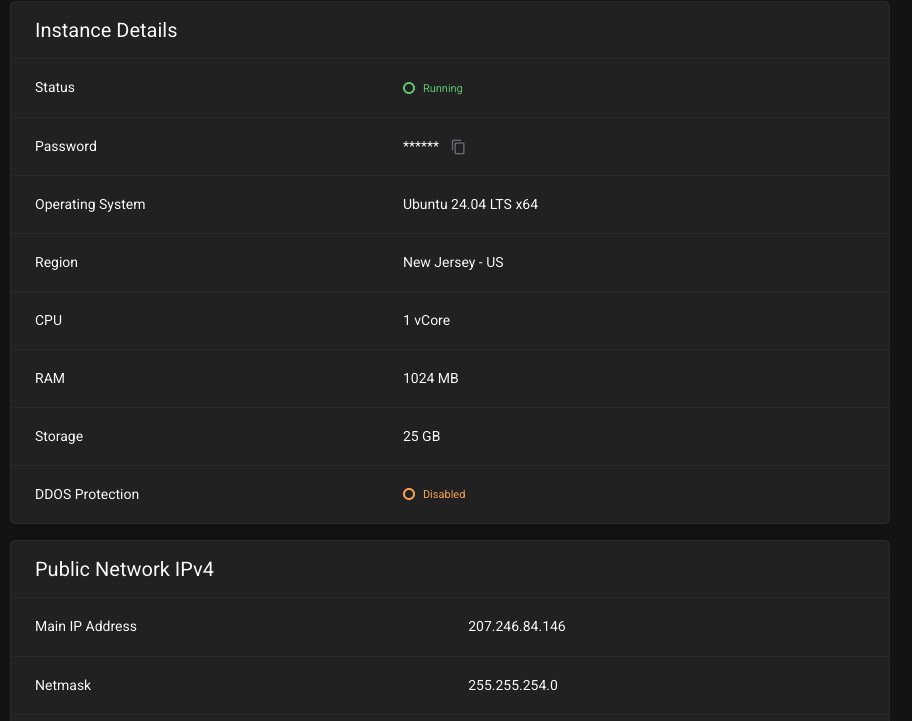
To connect via SSH:
ssh root@
To upload web content or edit configuration files:
Open an SFTP client like FileZilla, Cyberduck, or WinSCP
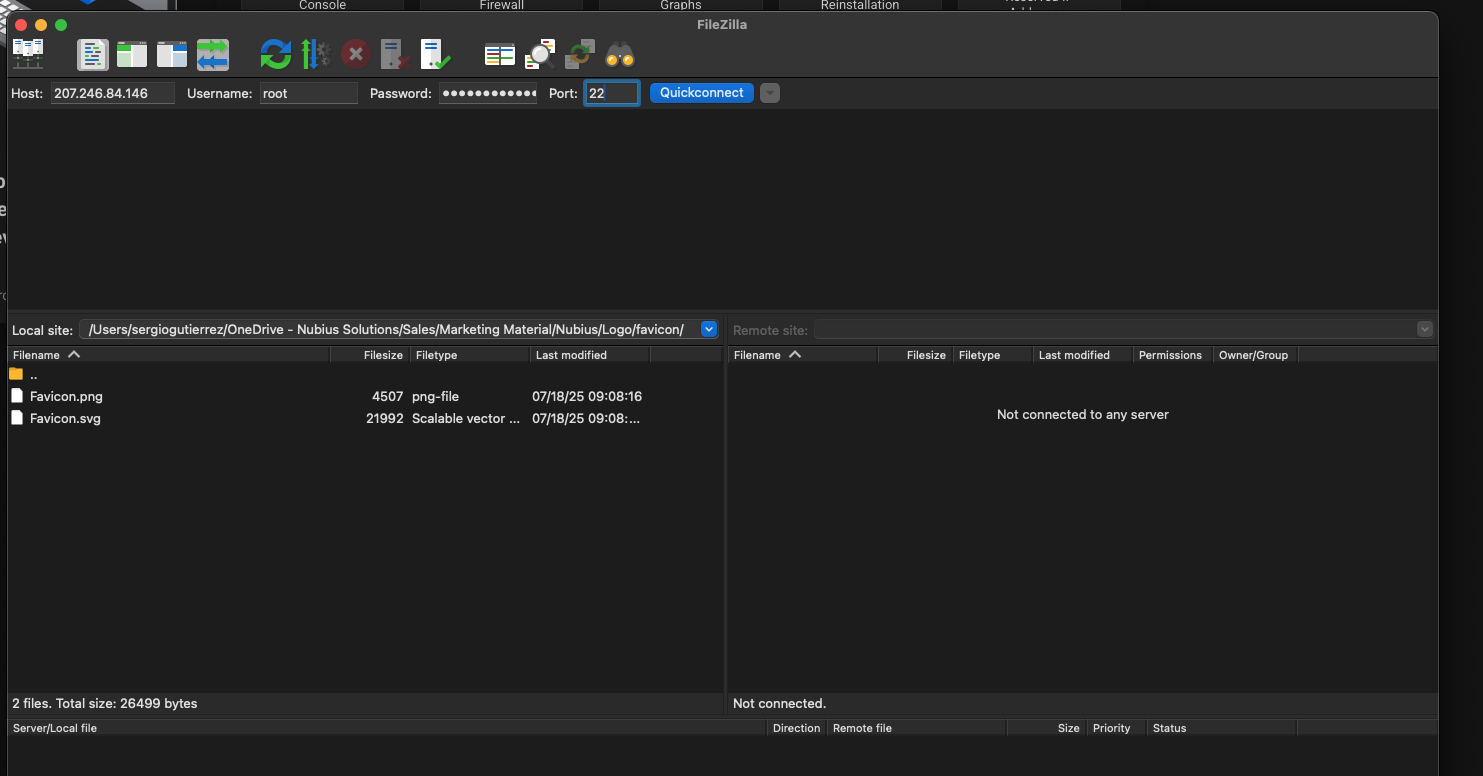
Use these connection details:
Host:
Port: 22
Protocol: SFTP
Username: root (or another SSH user)
Authentication: SSH key or password
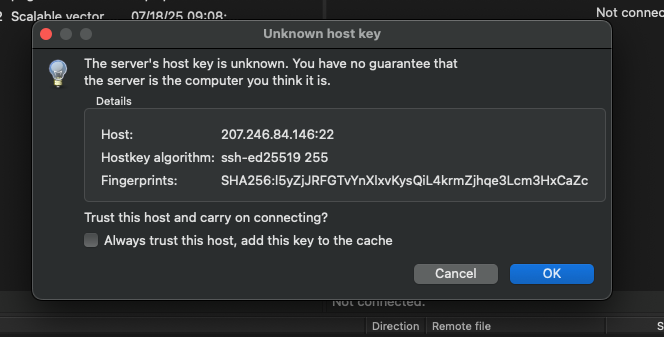
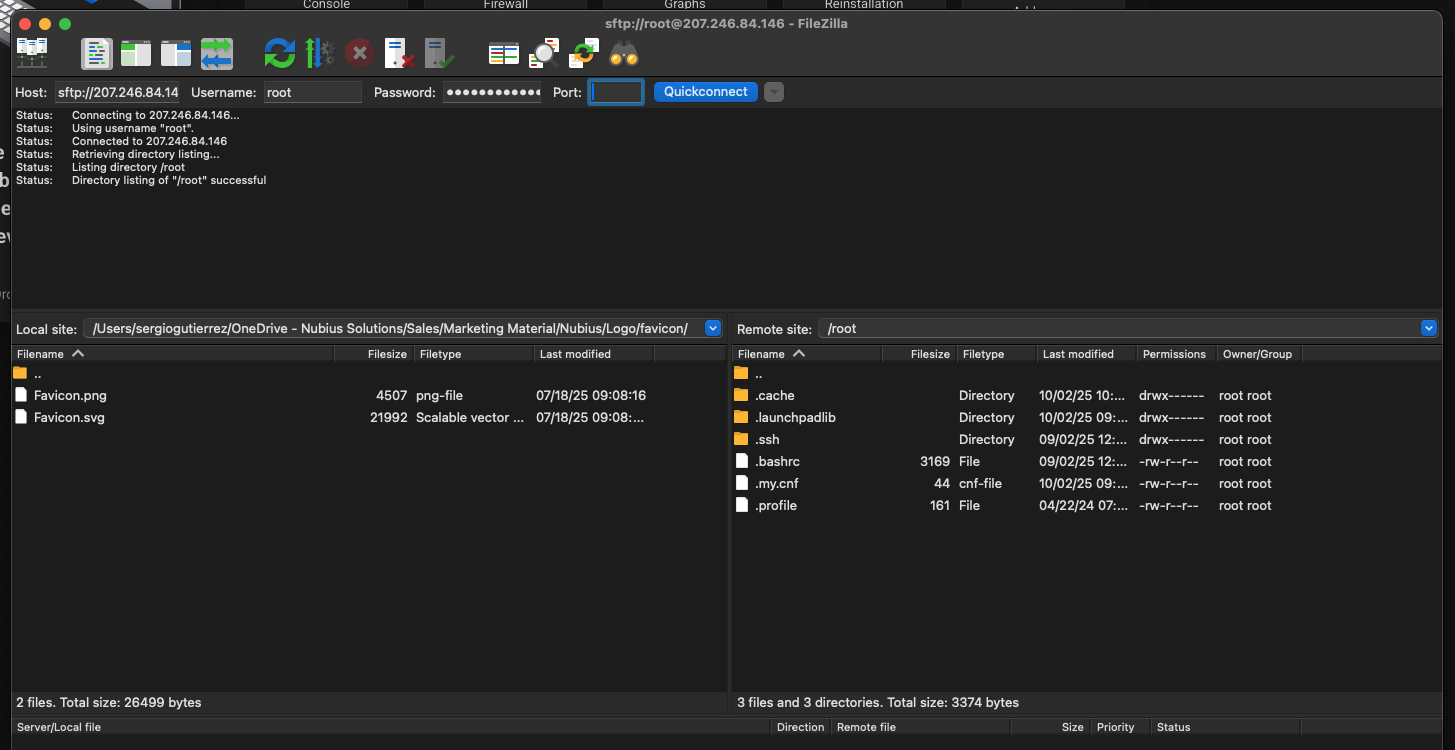
Your default web root is located at:
/var/www/html


You can place your website files here or set up additional virtual hosts for multiple domains.
|
Component |
Path or Command |
|---|---|
|
Web Root |
/var/www/html |
|
Apache Sites |
/etc/apache2/sites-available/ |
|
PHP Config |
/etc/php/8.2/apache2/php.ini |
|
MariaDB Config |
/etc/mysql/ |
|
Restart Apache |
sudo systemctl restart apache2 |
|
Restart MariaDB |
sudo systemctl restart mariadb |
To check installed PHP version:
php --version
To access MariaDB:
mysql -u root
Password is stored under /root/.my.cnf