Nubius Backups & Cyber Protection - Per Gigabyte is a powerful solution that combines backup, disaster recovery, and cybersecurity into a single service. Powered by Acronis, it ensures your data is secure, recoverable, and protected against cyber threats.
Flexible Backup Options:
Local Storage: Store backups on your own infrastructure, dedicated Vultr hosting, or NFS setup.
Cloud Backups (Recommended): Secure data in Acronis Cloud, separate from the data center.
Advanced Backup Features (available for selected servers):
Continuous Data Protection (CDP) – Monitors and backs up changes in real-time to ensure near-zero Recovery Point Objectives (RPOs).
Expanded Backup Support – Covers Microsoft SQL clusters, Microsoft Exchange clusters, MariaDB, MySQL, Oracle DB, and SAP HANA.
Data Protection Map & Compliance Reporting – Scans environments to ensure files, applications, and users are protected.
Off-Host Data Processing – Moves backup processing to another machine to reduce the load on primary workloads.
Incremental and Differential Backups – Efficient data storage while maintaining recovery points.
Immutable Backups – Ensures backups cannot be altered or deleted, preventing ransomware attacks.
Vulnerability Assessments – Detects potential security risks within backup environments.
Deduplication & Backup Encryption – Optimizes storage usage and secures backups against unauthorized access.
Group Management for Microsoft 365 and Google Workspace – Simplifies protection management for multiple accounts.
Adjustable Backup Frequency for Microsoft 365 and Google Workspace – Reduces RPO by backing up data up to 6 times per day.
Disaster Recovery:
Full business continuity with failover capabilities.
Rapid failback to original infrastructure.
Cloud-based disaster recovery.
Important: Disaster recovery options are not available from our store, please contact sales@support.nubius.io for more information and how to proceed.
You can purchase the service from our Store.
Select Backup Type:
Local Storage (Requires your own infrastructure: On-prem, Vultr, or NFS setup).
Cloud Backup (Recommended: Stores backups in Acronis Cloud for offsite protection).
Choose the Number of Servers with Advanced Backup features.
Enter Backup Space in Acronis Cloud (Minimum 10GB required).
Optional: Enter a Cloud Login Username (otherwise, one is dynamically assigned).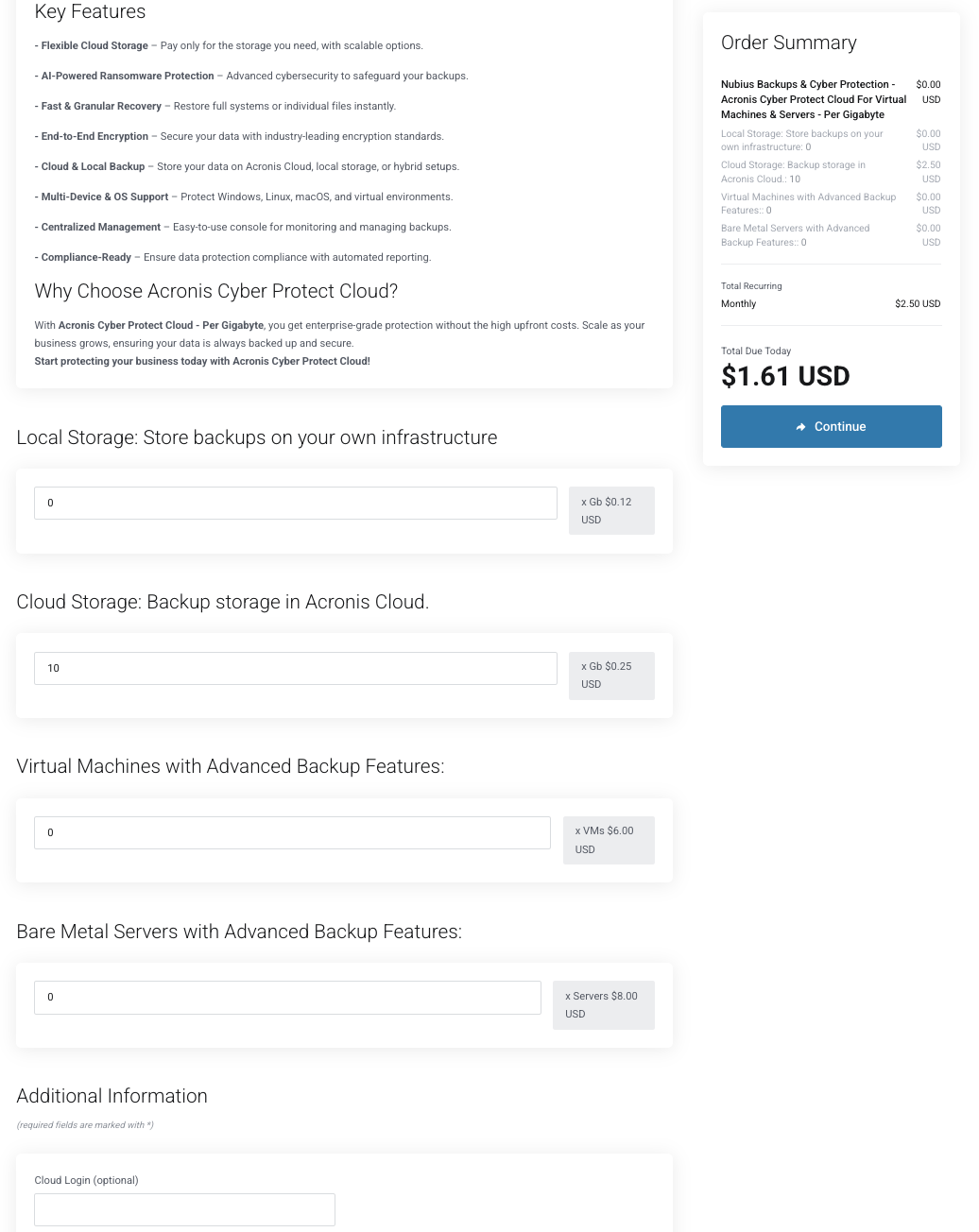
Click Continue and proceed to checkout.
If you have an account, log in; otherwise, create a new account and enter payment details.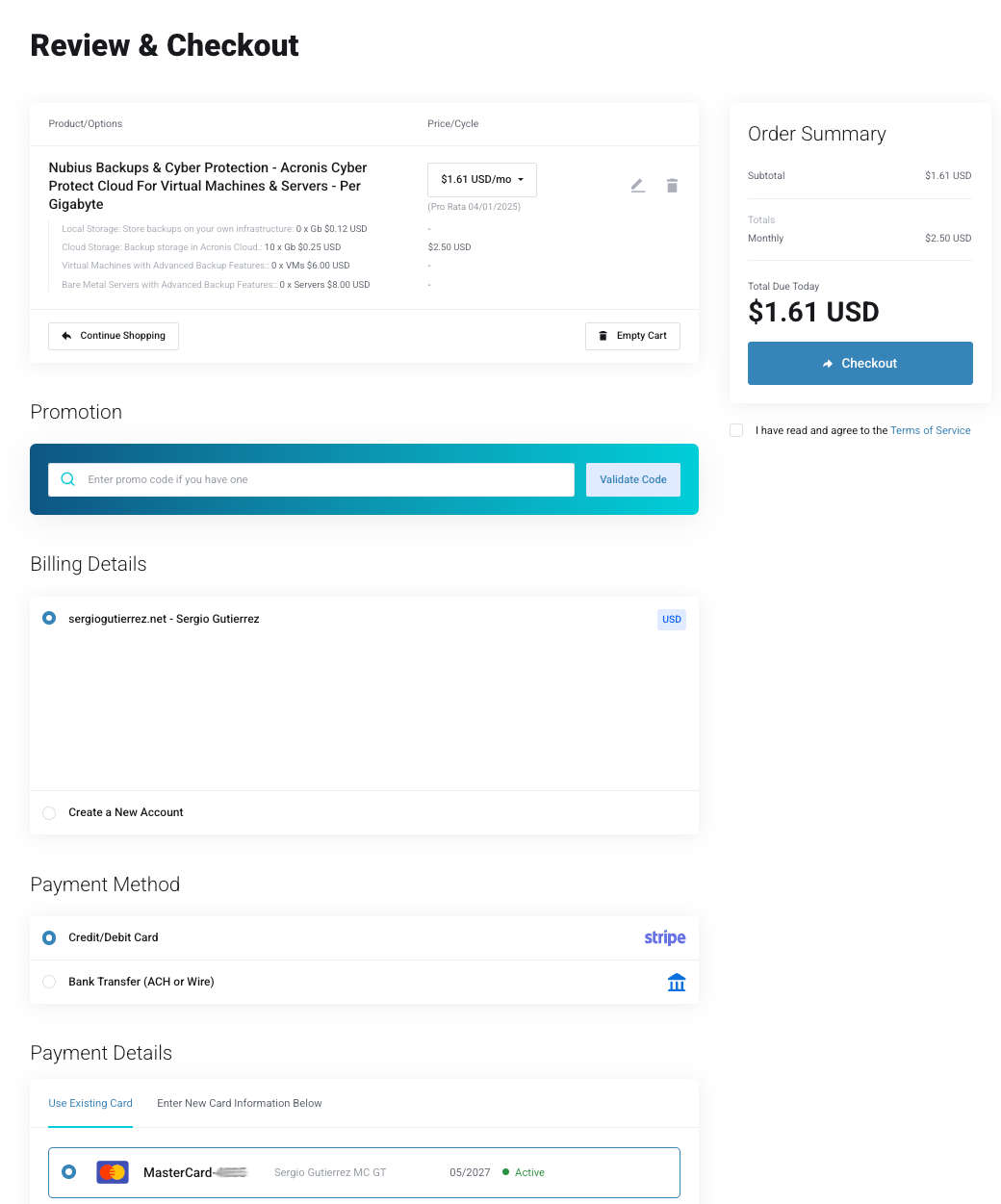
Accept the Terms of Service and click Checkout.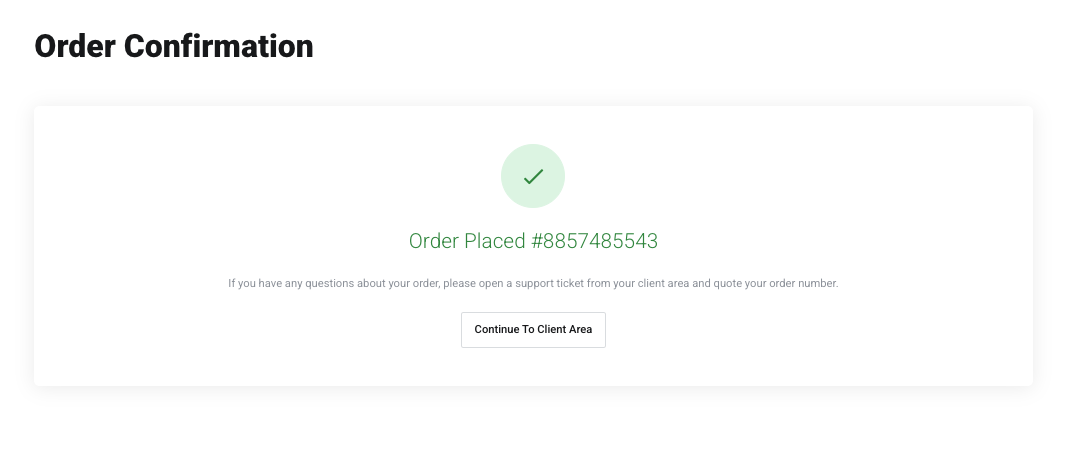
Once the order is completed, access the Nubius Backups & Cyber Protection service from My Services.
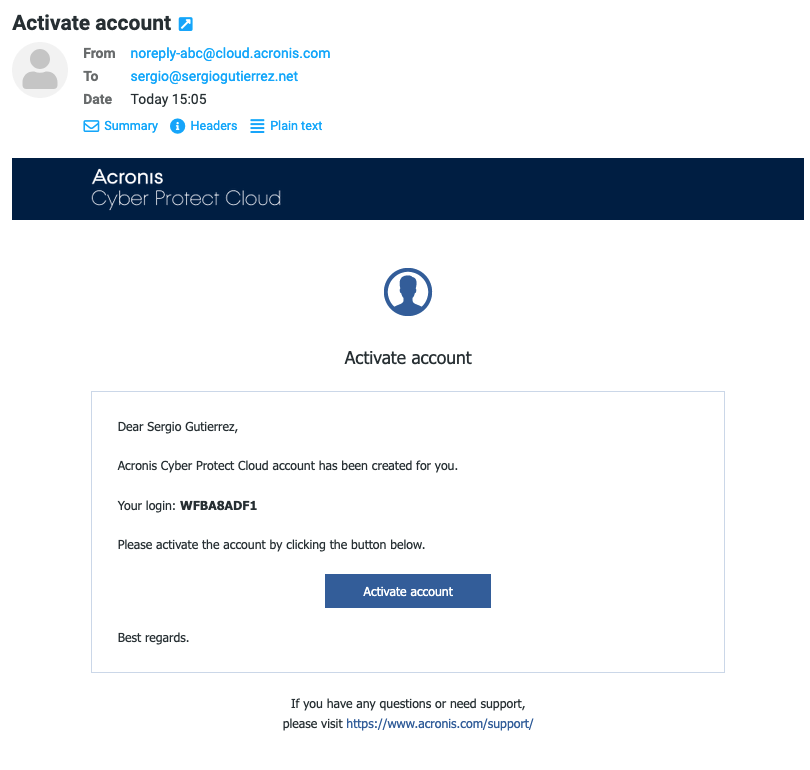
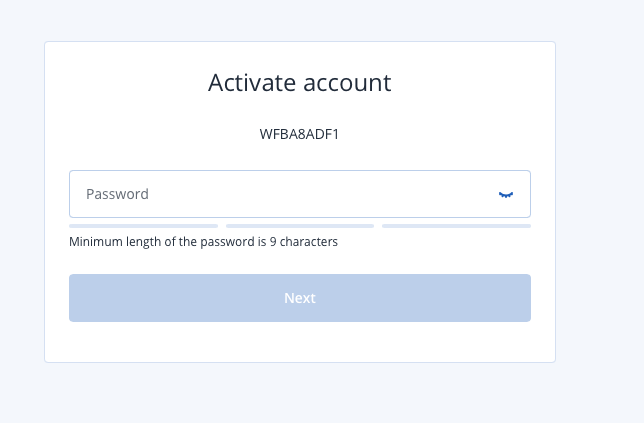
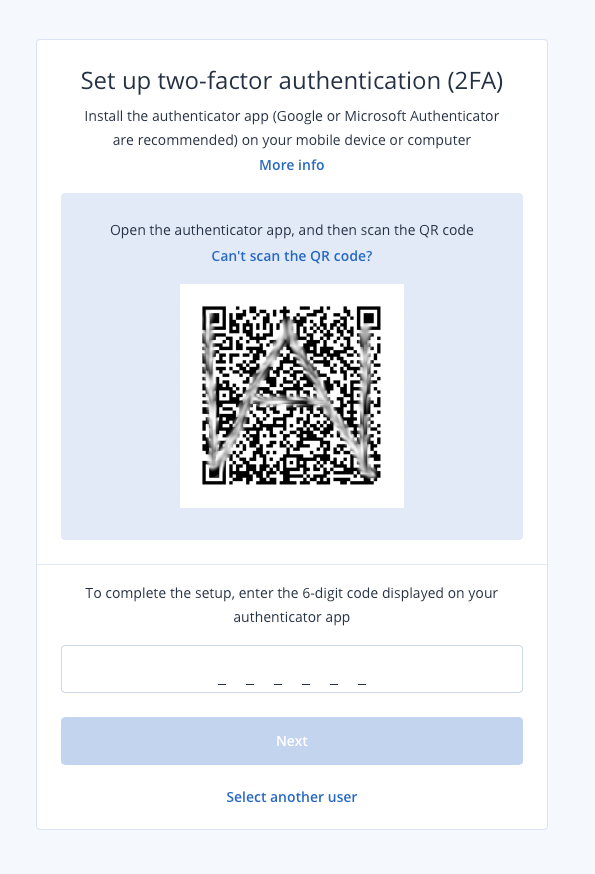
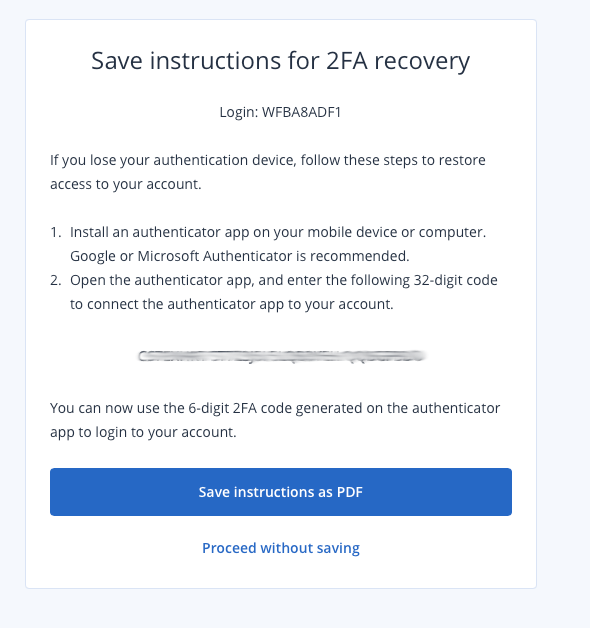
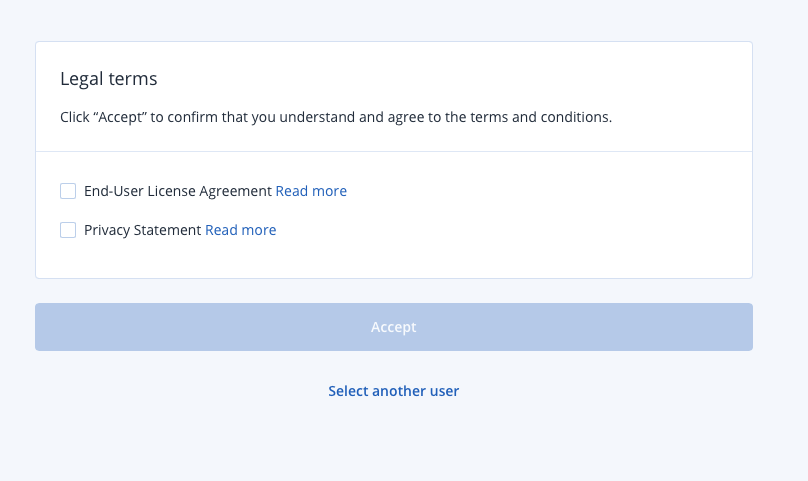
The Acronis account is created automatically after purchase.
Manage the service from My Services → Click Nubius Backups & Cyber Protection.
Login to the Acronis Cloud Console for backup management.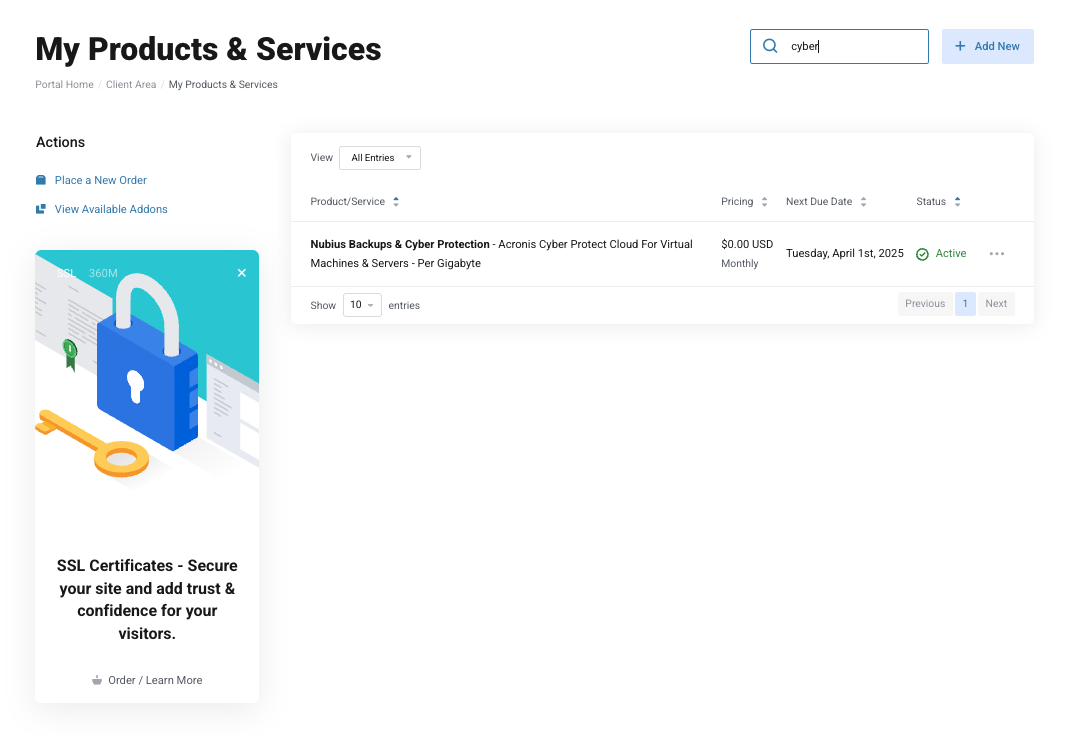
We offer Acronis Disaster Recovery solutions, which enable:
Instant failover to keep systems running in the event of an outage.
Flexible recovery options, including cloud-to-local and cloud-to-cloud recovery.
Disaster recovery testing to validate business continuity plans.
Disaster Recovery setup depends on infrastructure requirements and must be requested through sales@support.nubius.io.
For further assistance, contact Support via the Nubius Customer Portal.