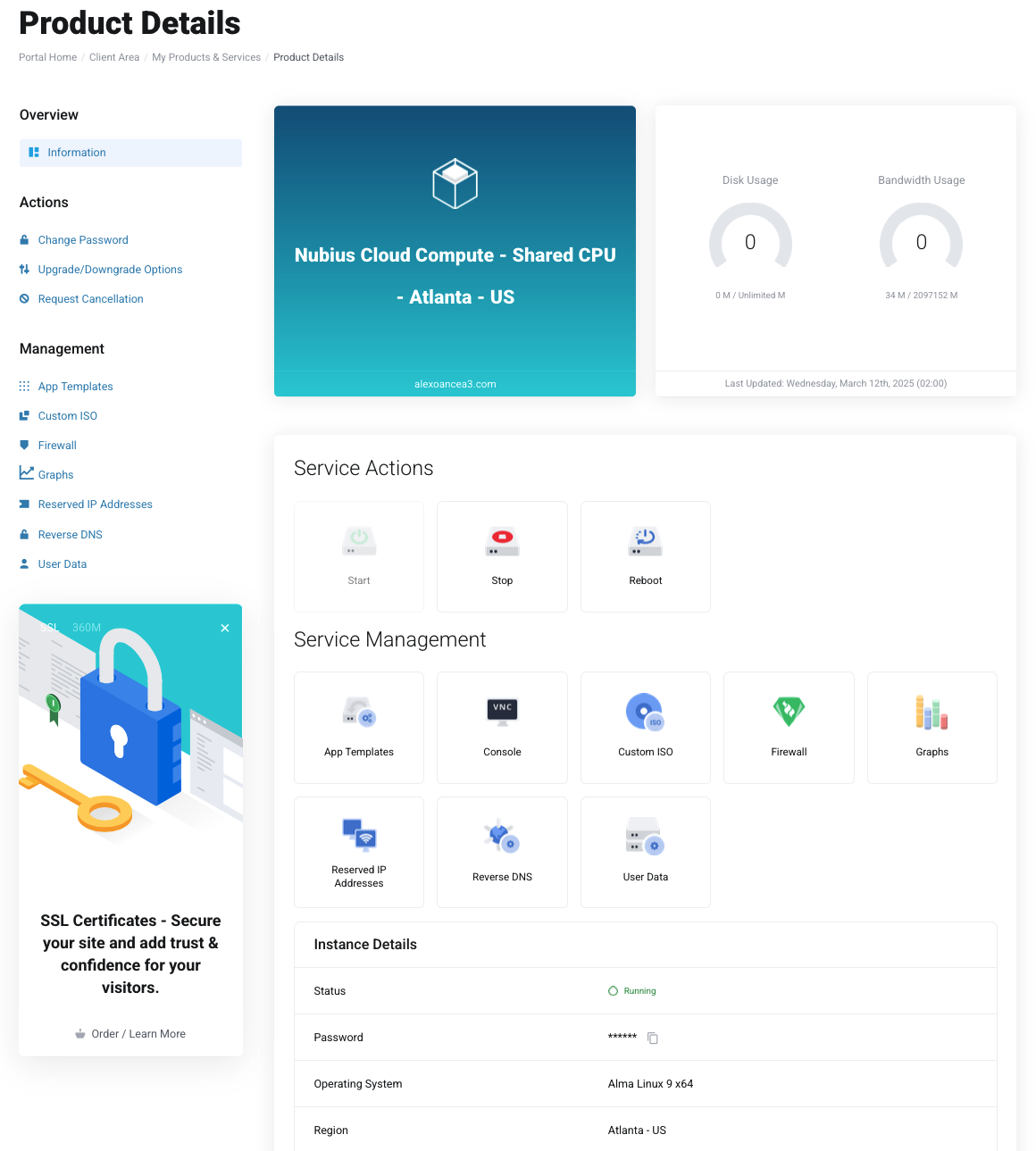
To manage your Cloud Compute server:
Log in to the Nubius Customer Portal.
Navigate to Services → My Services.
Locate the server you want to manage and click on it.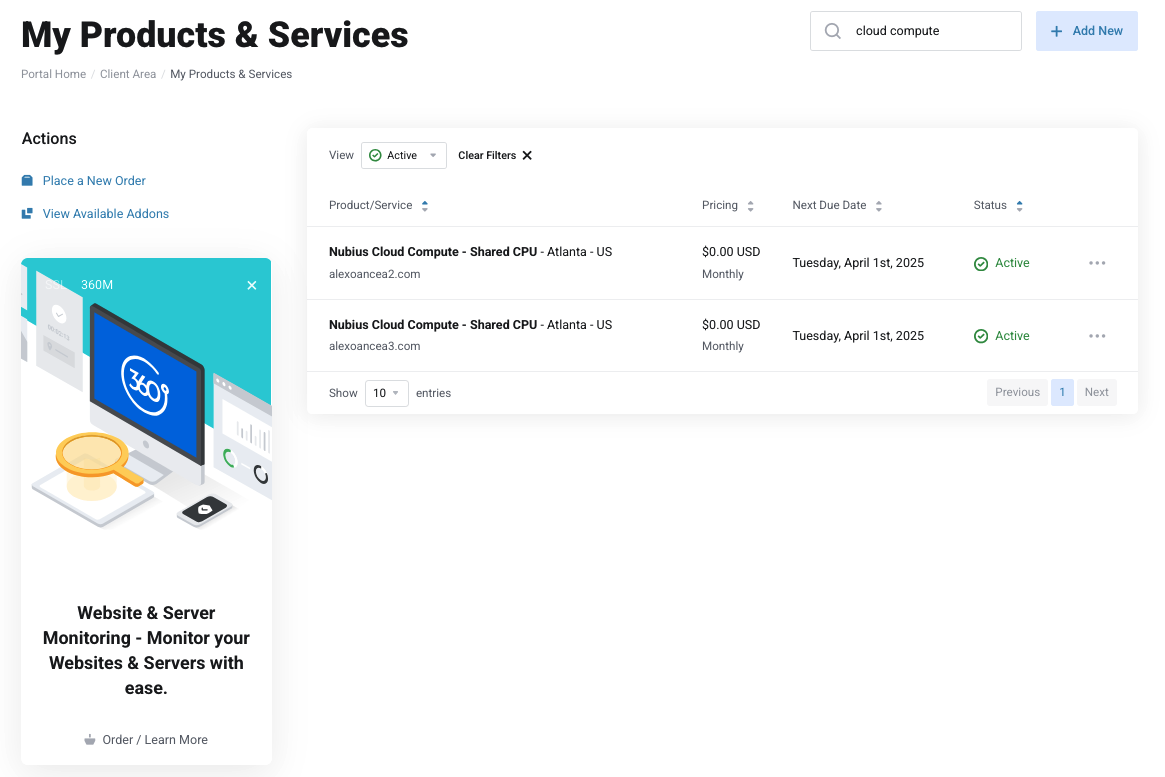
From the Server Management Panel, you will find various management options:
Start, Stop, or Reboot the server.
Rebuild the server using different App Templates.
Open the Console for direct access.
Manage Custom ISO installations.
Configure the Firewall settings.
View Performance Graphs for resource usage.
Access General Information, including IP address and login credentials.
Note: The default username for accessing your server is:
Linux Servers: root
Windows Servers: Administrator
You can access your server using either of the following methods:
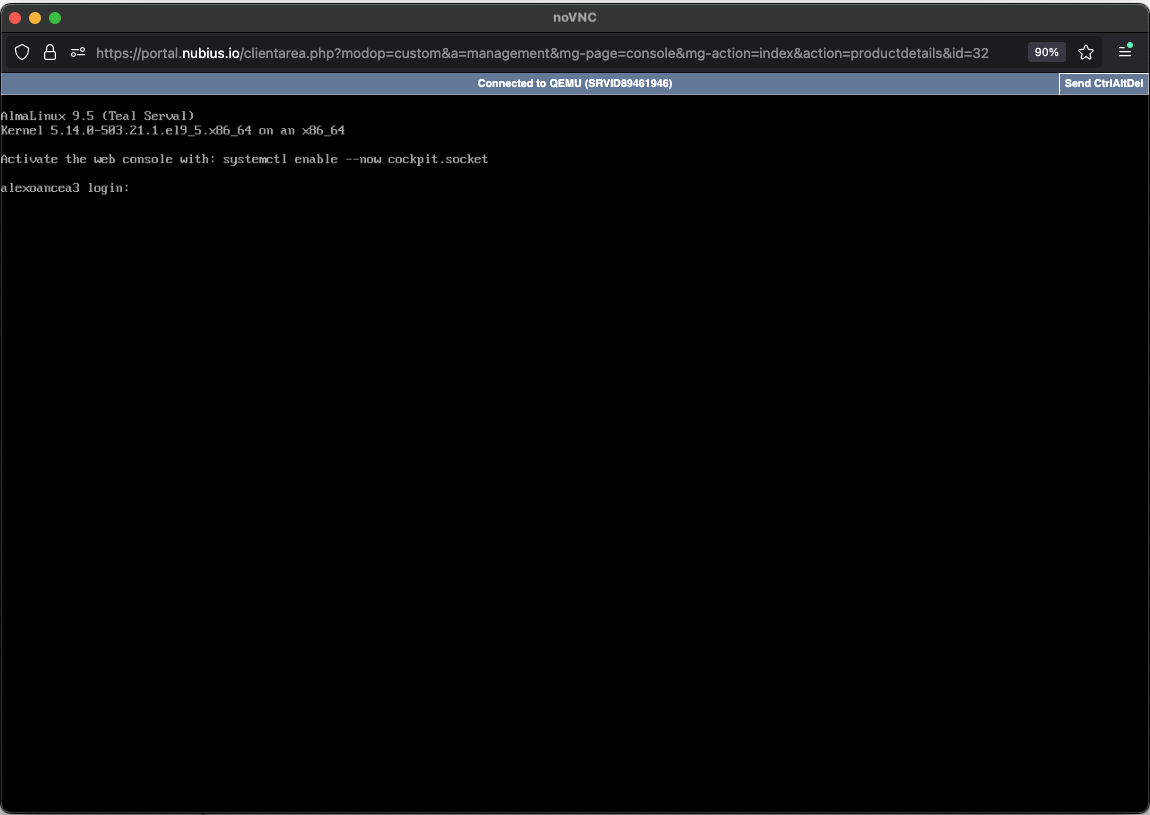
The Web Console is available directly within the Nubius Customer Portal.
Follow the steps above to navigate to your server and click Open Console.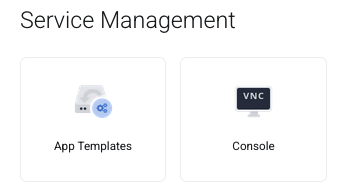
IMPORTANT: By default, server does not has any firewall rule, however, if a Rule is added, it will automatically add a drop all rule and you need to open ports individually. For managing the firewall, please check this user guide.
For a more direct connection, use SSH (for Linux/Mac) or PuTTY (for Windows):
Open a Terminal.
Run the following command, replacing your_server_ip with your actual server IP:
ssh root@your_server_ip
Enter your server password (found in the Customer Portal).
Download PuTTY from https://www.putty.org/.
Open PuTTY and enter the following details:
Host Name (or IP address): your_server_ip
Port: 22 (default for SSH)
Connection Type: SSH
Click Open.
When prompted, log in with:
Username: root (Linux)
Password: Found in the Customer Portal.
For Windows-based servers, you can use Remote Desktop Protocol (RDP) to connect.
Open an RDP client:
Windows: Remote Desktop Connection (built-in application).
Mac: Download Microsoft Remote Desktop from the App Store.
Linux: Use Remmina or any RDP-compatible client.
Enter the Server IP Address (found in the Customer Portal).
Click Connect.
When prompted, enter:
Username: Administrator
Password: Found in the Customer Portal.
Click OK to establish the connection.
For additional security, consider setting up SSH keys (Linux) after first login.
If you encounter any issues accessing your server, please contact Support via the portal or email support@support.nubius.io.