To upgrade or modify your Cloud Compute server:
Log in to the Nubius Customer Portal.
Navigate to Services → My Services.
Locate the server you want to modify and click on it.
On the left-side menu, click Upgrade/Downgrade.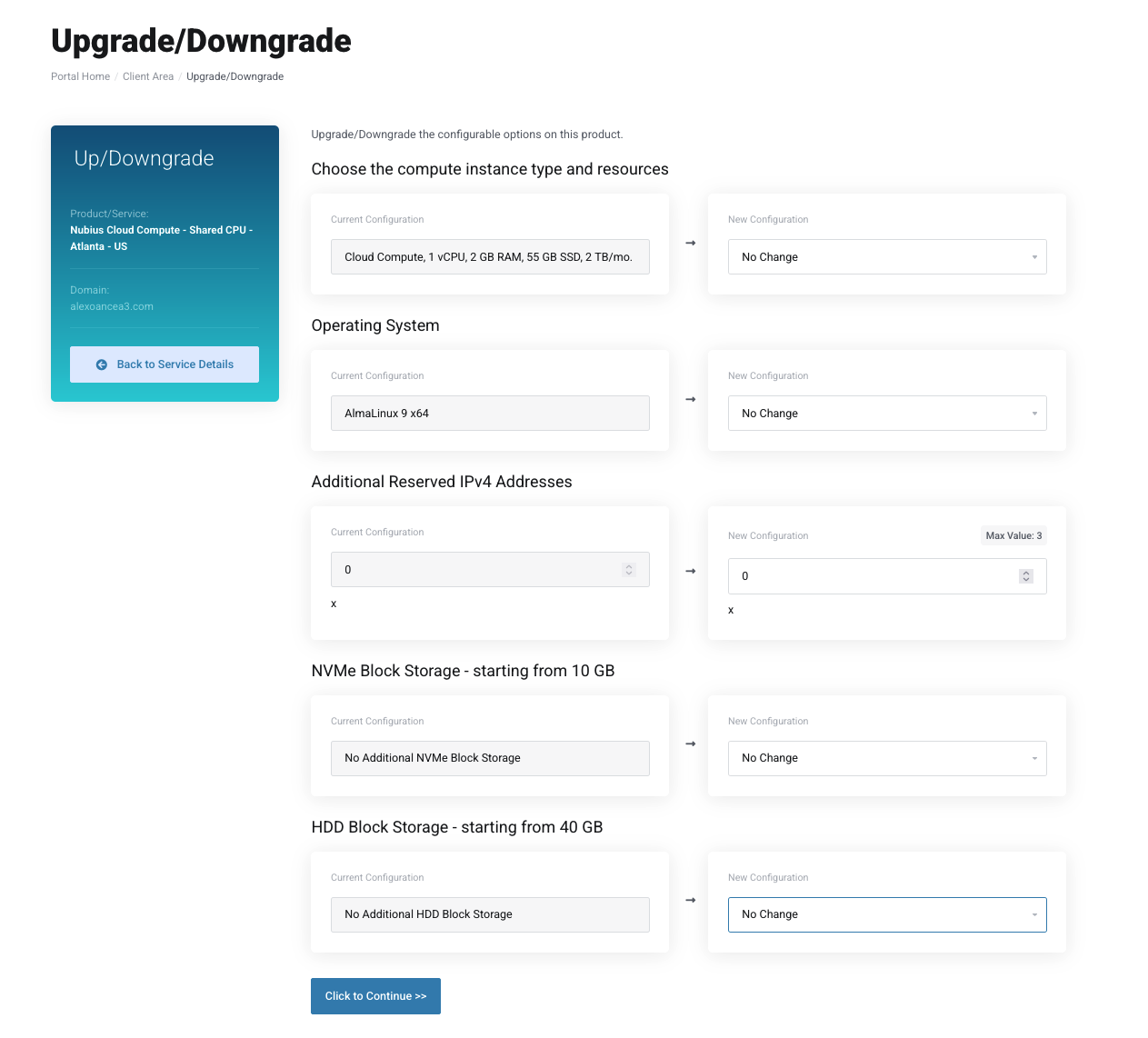
The Configurable Options page will open, allowing you to:
Upgrade to a larger instance.
Adjust certain configurations.
Add extra storage or features.
Important Notes:
Downgrading to a smaller compute instance is not possible, as reducing disk size may cause data corruption.
Changing the operating system will require a full rebuild, erasing all existing data.
Additional storage cannot be downgraded, as it could lead to data loss.
Before making any modifications, taking a backup is strongly recommended.
Acronis Backups Services are available to ensure a safe restore option. You may check our options here
You can also request Support to take a snapshot of the server before making changes. Charges apply and depend on the size of the snapshot.
If you need to downgrade your server or reduce storage, a migration to a new server will be required.
To request a migration proposal, contact Sales at sales@support.nubius.io.
You may also choose to handle the migration yourself.
Migration methods vary based on needs and can include:
Restoring from backups.
Transferring data between servers.
Setting up a new server and moving applications manually.
For assistance, please reach out to Sales or Support via the Nubius Customer Portal.