To view and manage your invoices, follow these steps:
Navigate to the Billing menu on the left side of the Nubius Customer Portal.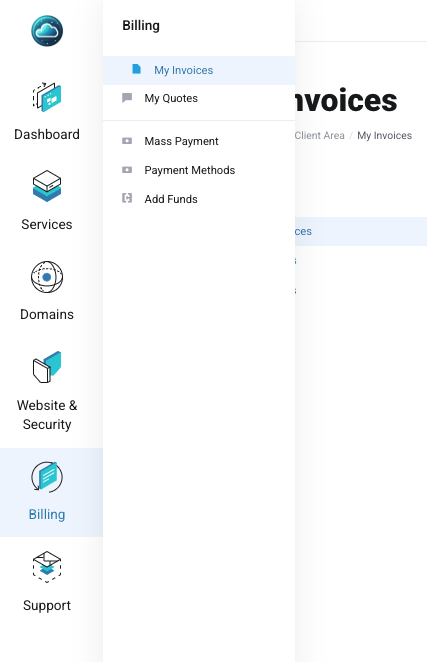
Click on Invoices to see a complete list of your invoices, including:
Paid invoices
Unpaid invoices
Cancelled invoices
Your full payment history
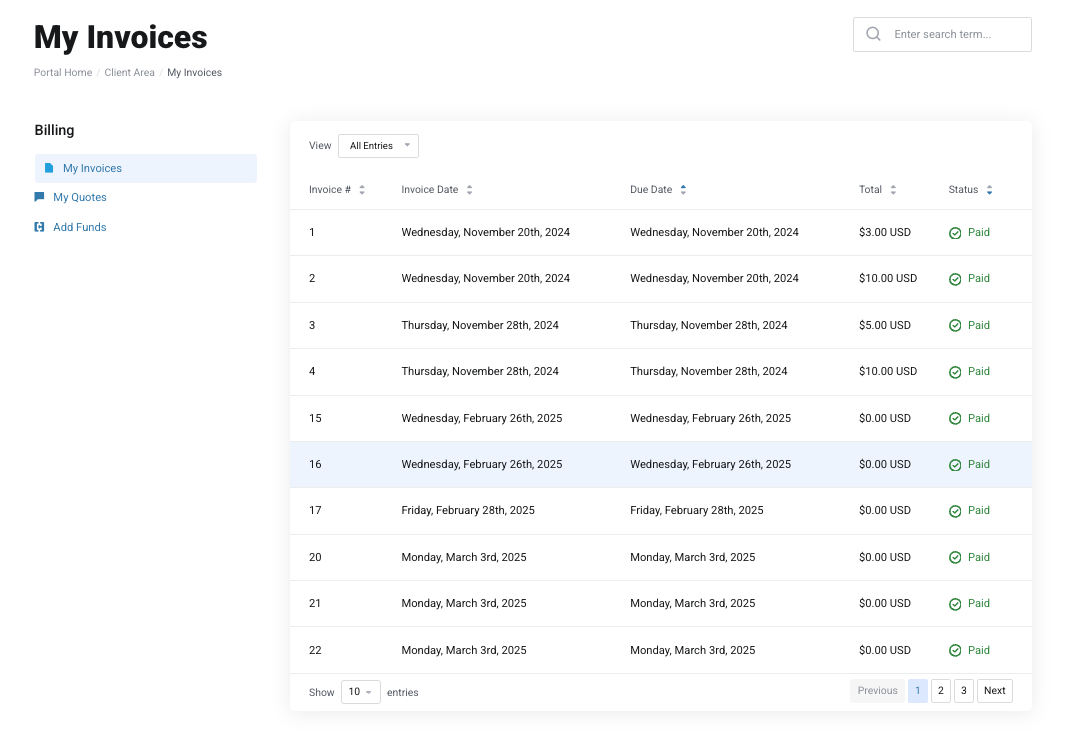
Locate an unpaid invoice in the list.
Click on the invoice line to view the details.
Select your preferred payment method on the right side and complete the payment process.
Once paid, the invoice will be marked as Paid, and your service will remain active.
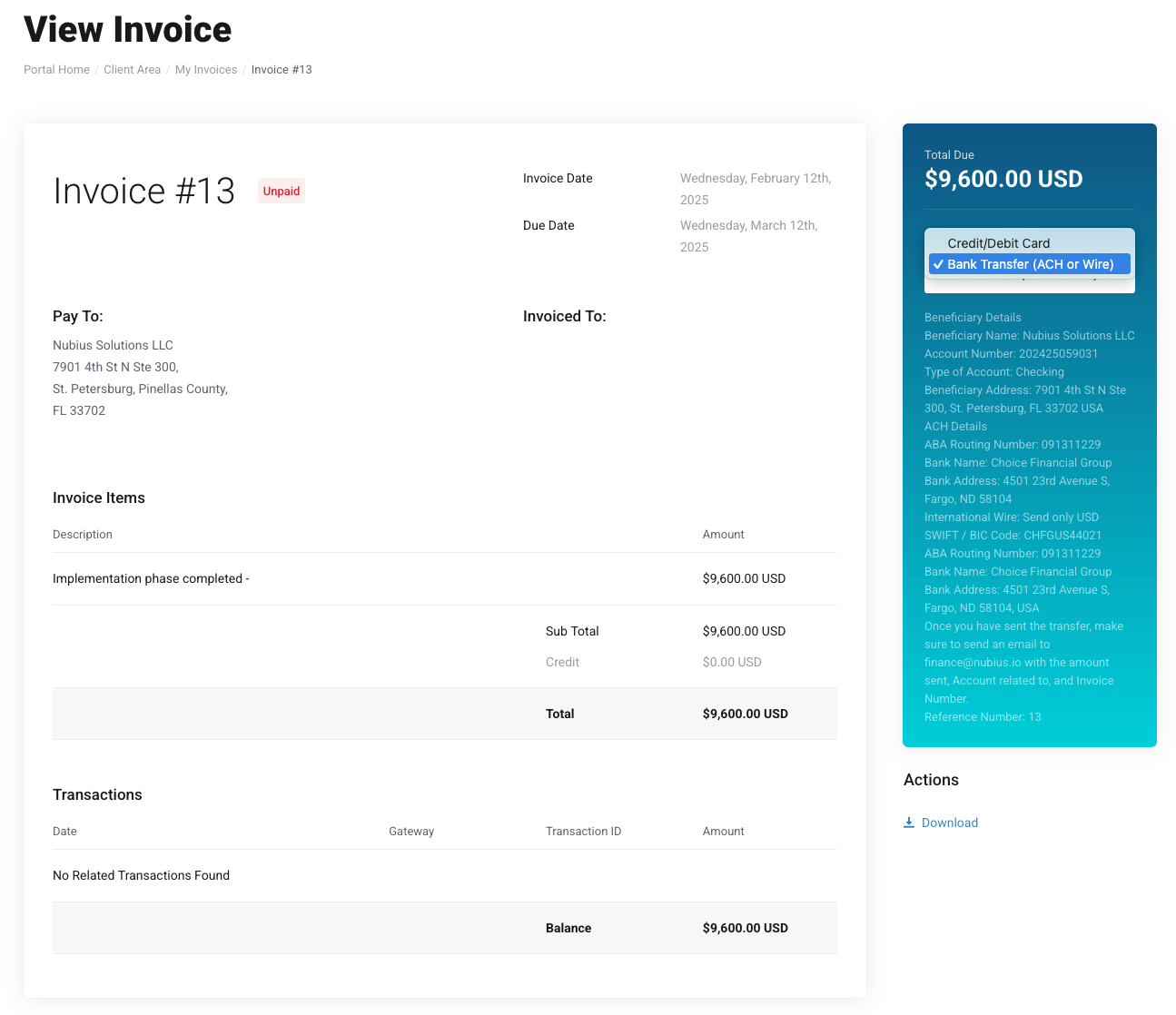
If you need a copy of your invoice for record-keeping:
Open the invoice.
Click the Download link on the right side to save a copy.
To ensure you stay informed about due dates, Nubius Solutions sends automated reminders to the registered account owner and any subaccount/contact with billing notifications enabled. These emails are sent according to the following schedule:
Invoice Issued: 7 days before the due date.
Payment Reminders:
4 days before the due date.
1 day overdue.
3 days overdue.
Service Suspension: 7 days after non-payment.
Service Termination: 15 days after non-payment.
Important: If a service is terminated due to non-payment, our team cannot recover the server unless you have an active backup service.
For billing-related concerns or extensions, contact Billing Support through the portal or email billing@support.nubius.io.